|

- UID
- 142644
- 帖子
- 501
- 主題
- 501
- 精華
- 0
- 積分
- 500
- 楓幣
- 4989
- 威望
- 500
- 存款
- 0
- 贊助金額
- 0
- 推廣
- 0
- GP
- 504
- 閱讀權限
- 50
- 性別
- 保密
- 在線時間
- 8 小時
- 註冊時間
- 2016-6-20
- 最後登入
- 2016-8-6
|
|
_________8/4 12:30 新增解釋________________________
有鑑於好像有人不太會用這個程式 我來簡單說明一下
1.解壓縮檔案
2.執行這個程式
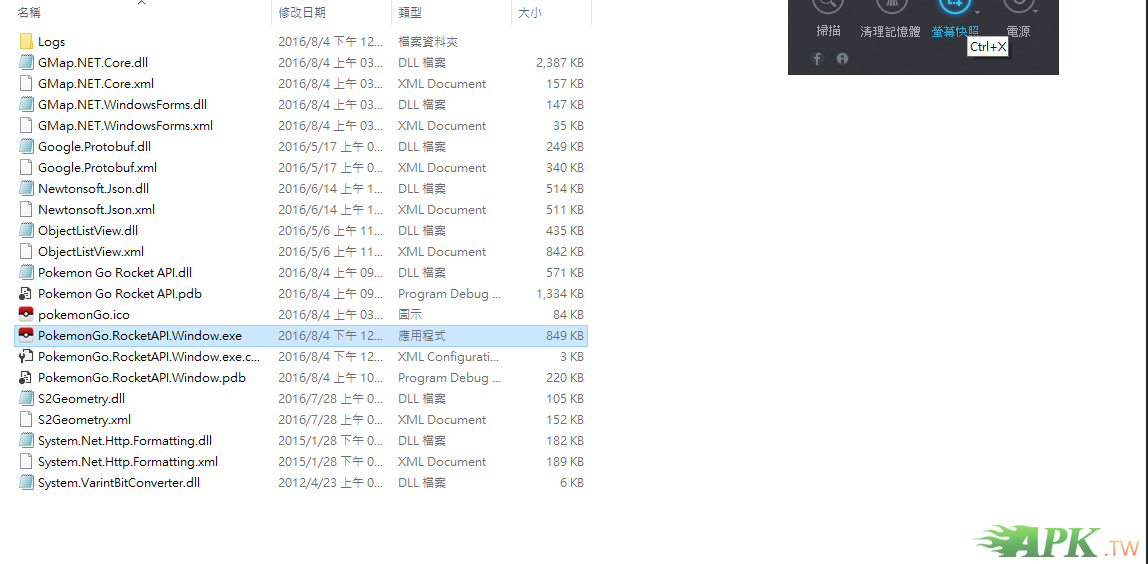
3.點這裡打帳密
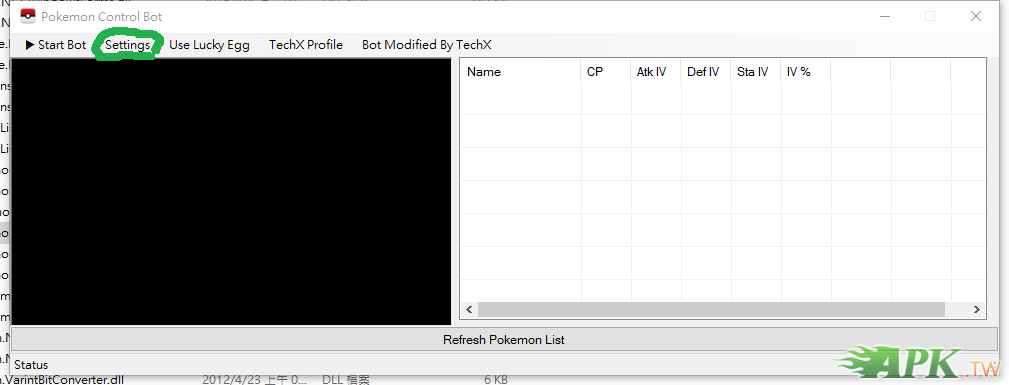
4.按上面那張圖下面長長的那個鈕

5.可以查看iv跟整理包包了
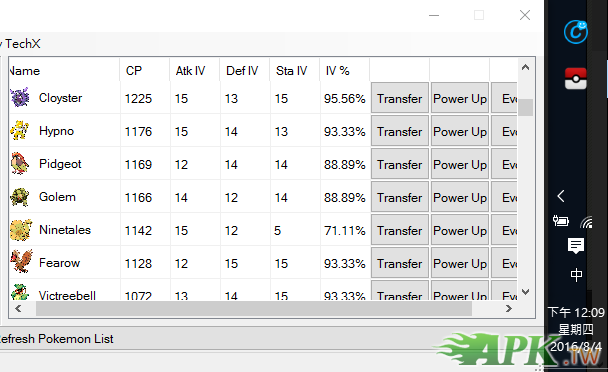
鑒於好像有人看不懂這些單字 我來解釋下
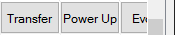
分別是 傳送(賣掉) 寶可夢升級 寶可夢進化
拜託記得看說明啊~~@@
不會用或看不懂內碼的人 切忌絕對不要點start bot!
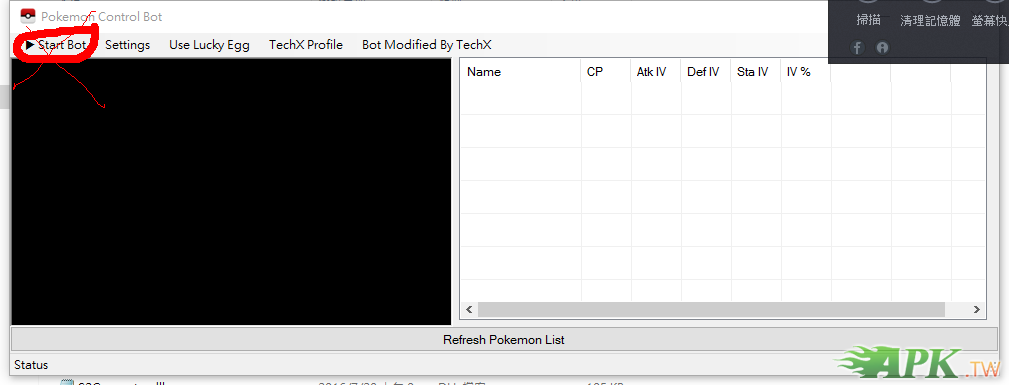
絕對不要點start bot! 絕對不要點start bot! 絕對不要點start bot!
目前這個程式只能進化 升級 跟傳送 寶可夢可以看iv值 個人滿喜歡的~^~
想要其他功能的夥伴可能還要再等等
主要是想讓大家在無聊的時候 可以快速地整理一下包包
附上影片說明跟檔案
— Main Form
– Start Bot
Login to your google account and start the program
– Settings
Apply your PTC or Google Account here
– Use Lucky Egg
Uses a lucky egg after you click start bot
– TechX Profile
Just a bunch of links and thank you’s to the PGo Rocket API guys
— Pokemon List and PokeLog
– Refreshable List of Pokemon
Displays the Pokemon currently on your account. Allows you to PowerUp/Evolve or Transfer them
-PokeLog
Keeps track of your actions
轉自
TechXPlays
大大
|
|





 發表於 2016-8-4 16:04:05
 收藏
收藏 推
推 噓
噓

 提升卡
提升卡 置頂卡
置頂卡 變色卡
變色卡 搶沙發
搶沙發 千斤頂
千斤頂


 發表於 2016-8-8 20:12:32
 發表於 2016-8-8 21:50:09