1. Install Nox.
2. Nox Settings Gear ->Turn on root, high performance settings, Change Manufacturer to "Samsung".
3. Play Store ->Download and install Lockito and Google maps (Navigation), Add google account if prompted.
4. Add xposed.apk
5. Exposed -> Framework, Install and do not allow exposed to reboot after the install. Select cancel when prompted, then manually select soft reboot.
6. Exposed -> Download, Mock Mock Locations
7. Exposed -> Modules, check Mock Mock Locations, click into it and uncheck "Add all". Select just pokemon go.
8. Andriod Settings -> About Table -> Build Number , click build number until you receive developer permissions
9. Android Settings -> Developer options. From the list, check "Allow mock locations"
10. Reboot
11. Exposed -> Download, Device Faker
12. Exposed -> Modules, check Device Faker
13. Open Device Faker, select Nexus 7, or whatever.
14. Reboot, open Device Faker and verify it has changed hardware settings.
15. Set your location
16. Add latest pokemongo apk (After setting location because its going to open after it installs)
17. Nox Settings Gear -> Advanced -> Customized (Startup Setting) -> Width: 350 Height: 600 DPI: 250
18. Manually do game intro (Remember to set the location you plan to play!)
19. Change opacity of the directional controller in Nox to 0. (When in game, click on the tools icon, then push save from the tool bar. Slide the slider all the way left)
20. Verify everything works properly with WSAD. Nox is really buggy lately... if its not working properly restart steps 1-19 LOL...
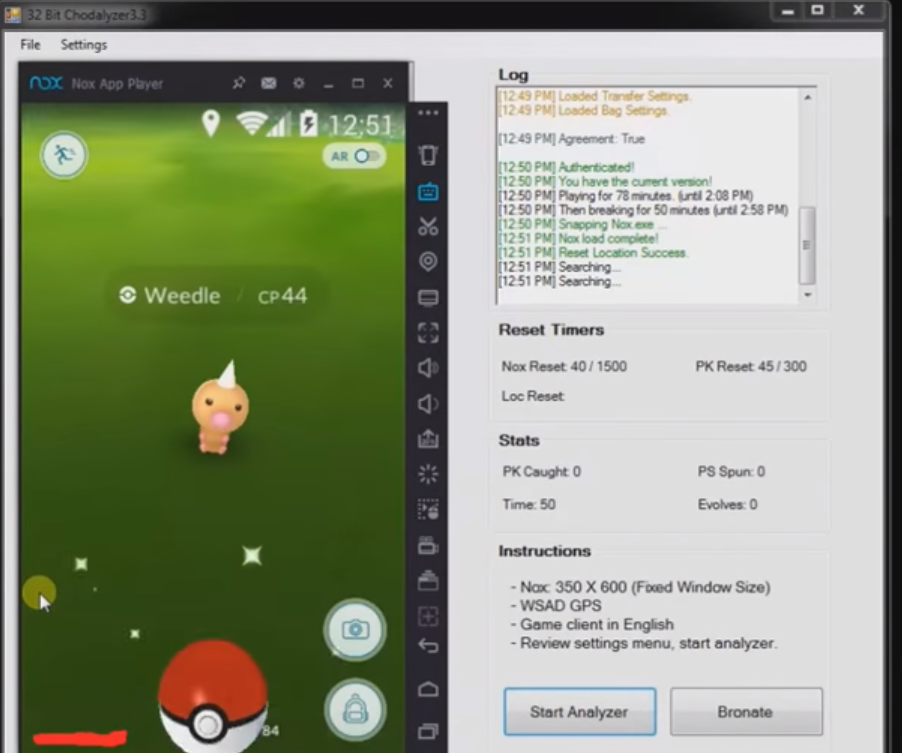
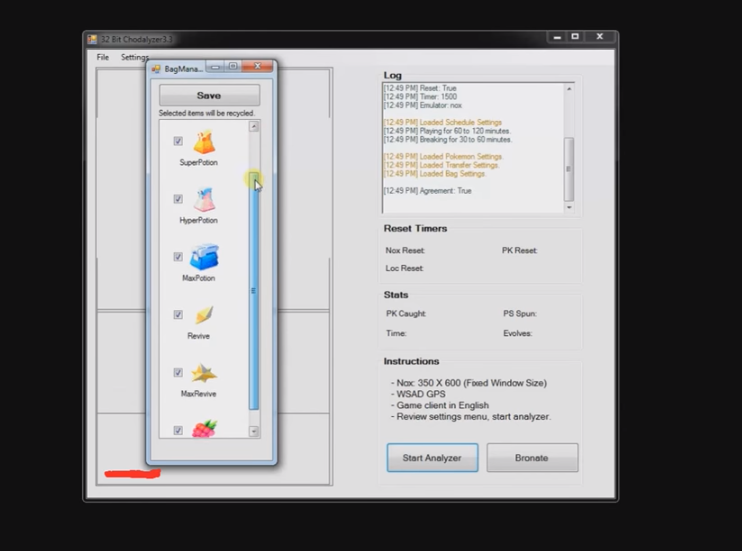
Start Chodalyzer;
21. Set path to Nox.exe from Settings -> Emulator. (If you can't find it, type %AppData% and check in your roaming folder for Nox)
22. Read agreement under File -> Info
23. Start Analyzer
24. Program will check that you have current version, then continue. If you have slow internet this may take a moment.
I presume steps 11-14 to be optional. I do recommend starting on a fresh account. If you over used any old API's it would be best if you could change your IP. Some older API's are an instant flag. Even though your not currently banned with them it is still possible you're on for the next ban wave. In basic terms, every request you make to their servers holds some type of information which is supposedly sent from their client. They know exactly how it should look because they designed the request from their client. For a ban wave, they can just look through their logs for all requests that are clearly not from their client that they designed. This is all my speculation. Of course we will move on to new problems, like what is the best emulator? But in my opinion, it's a lot easier than battling an encryption change which could very easily be done at any time.
| 歡迎光臨 冰楓論壇 (https://bingfong.com/) | Powered by 冰楓 |